
TABLE OF CONTENTS
- Multivende steps
- Shipedge steps
Multivende steps:
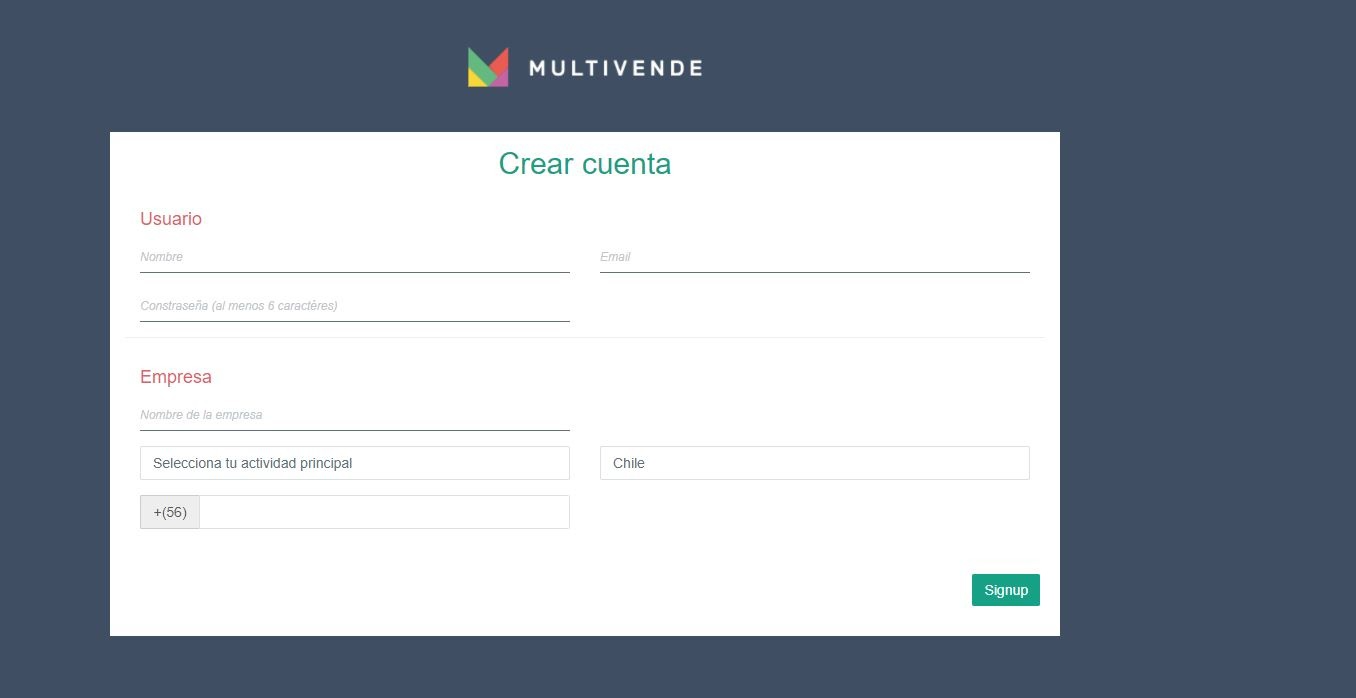
- Setup your account with Multivende.
- You need to create the Username, Password. These values are created by you and will be used to connect with Shipedge.
Shipedge steps:
- Login into your OMS account from Shipedge.
- Browse to My Account > Preferences > Channel Automation and look for Multivende1 integration.
- Choose how you would like to name your store and click Add new store.
- Enter your login information from Multivende : username and password.
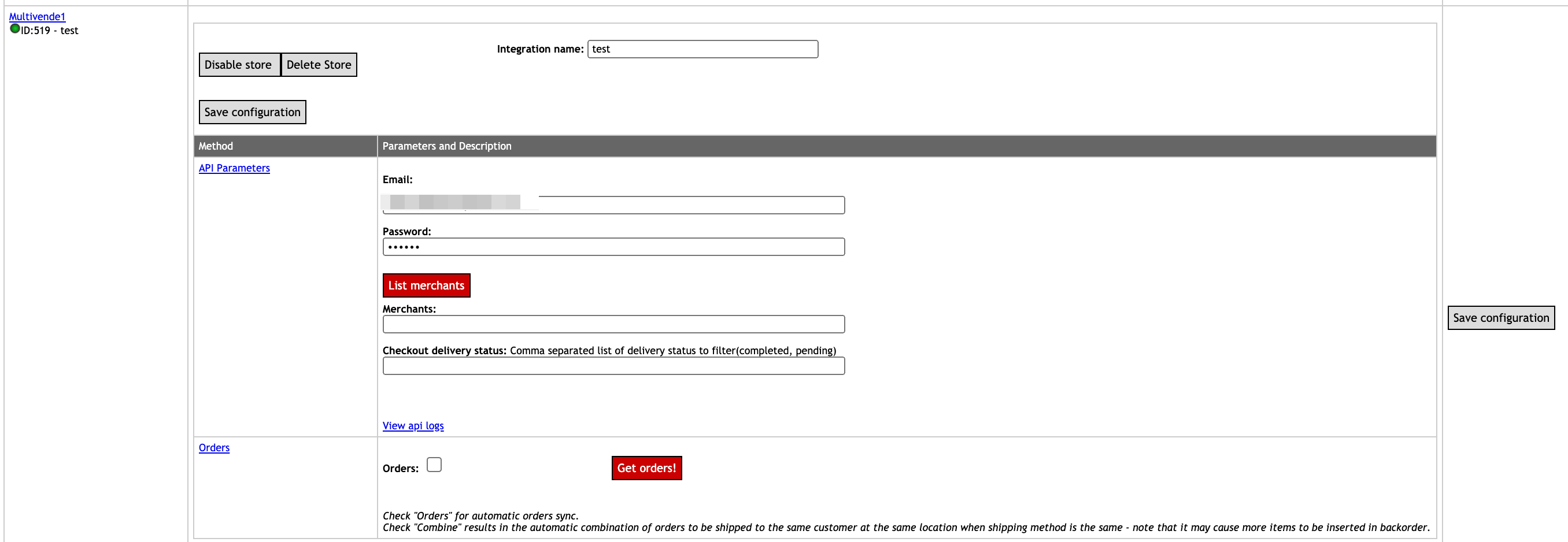
- Click on the List Merchants button and a popup will appear where you can authorize Shipedge to get a list of all the merchants that are configured in your Multivende account.
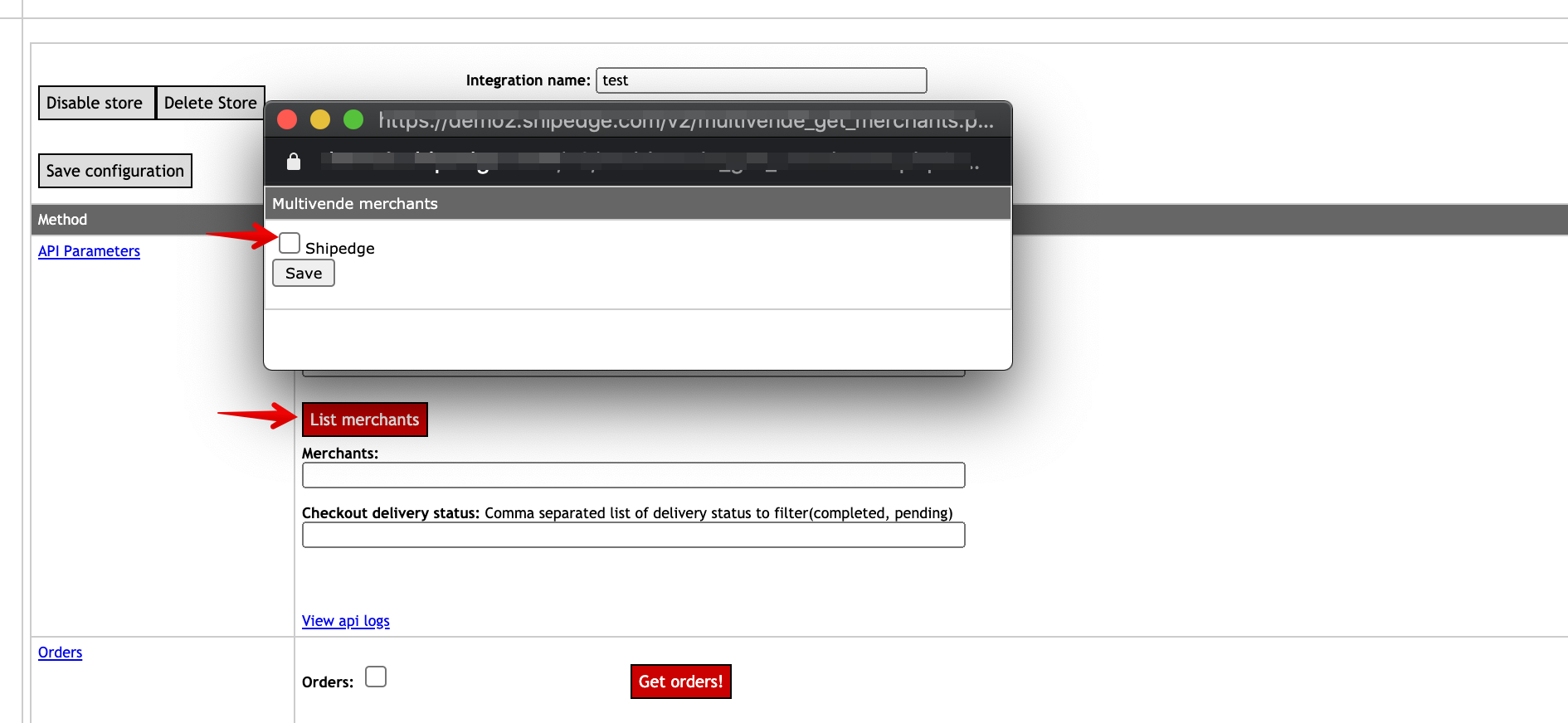
- In the Checkout delivery status field you need to write a comma separated list of delivery status to filter( for example :completed, pending)
- Click Save configuration.
- Click Get orders! to get orders from Multivende.
Comments
0 comments
Please sign in to leave a comment.